
Standard Spark Hire Interview
Practise common interview questions in a Spark Hire-style flow.
Start Interview
Record answers to common and job-specific questions in a Spark Hire-style flow, then review your takes before the real interview.
Practise common interview questions in a Spark Hire-style flow.

Choose from ready-to-go interviews & target specific skills.

Generate a full Spark Hire interview from a job posting.

Use your own questions & build your custom Spark Hire interview.
You can rehearse common questions, competency tracks, job-specific interviews, or your own custom questions, record answers under time pressure, and review your response before the real interview. The simulator is designed for preparation and does not reproduce an employer's private question set or scoring model.
Yes, if you want to complete a realistic recording session. Use the same device, browser, camera, microphone, and room setup you plan to use for the real interview whenever possible.
A useful approach is to complete one baseline recording, review it for relevance and clarity, then repeat only the answers that need improvement. Stop when your examples sound structured and natural rather than memorized.
No. Practice can improve familiarity, answer structure, and confidence, but hiring decisions remain with the employer. Candidate Falcon is independent and is not affiliated with or endorsed by Spark Hire.
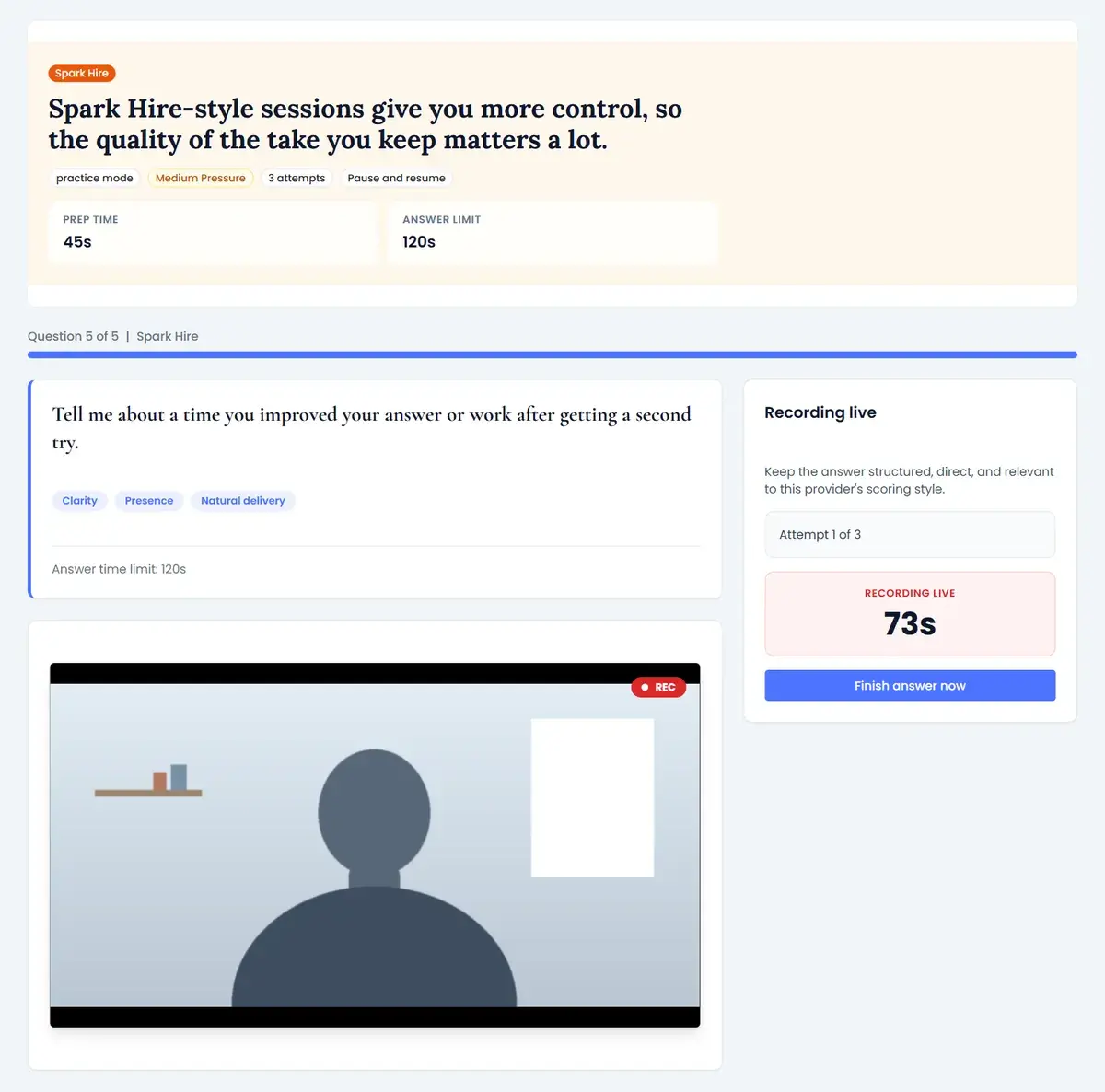
You open the link in your invitation, go through a short walkthrough, confirm your camera and microphone, and can record practice videos that are not saved or shared with the company. Then the questions appear one at a time. For each one, the company sets the think time, how many takes you get and the maximum answer length, and Spark Hire shows you these settings before you start.
You can re-record while you have takes left, but once you submit an answer you cannot redo it. Skip only appears after you have used every take, and it sends a blank answer. The company does not see how many takes you used, and some companies use Spark Hire's AI Video Review to assess recorded answers; Spark Hire says hiring decisions are made by people.
Practice mode gives you up to three takes per question, like an interview that allows retakes; Real mode gives you one. You choose the answer length, review your takes, and get AI feedback on the clarity, polish, warmth and confidence of each answer.
Candidate Falcon is independent and not affiliated with Spark Hire. Your invitation and the on-screen instructions are the final word on your interview's rules. Sources: Spark Hire Candidate Help Center articles on how one-way interviews work, preparing, answering questions and AI.
Explore other preparation paths on Candidate Falcon.
Practice HireVue video interviews with platform-specific preparation.
Practice VidCruiter video interviews with provider-specific preparation.
Practice Talview video interviews with realistic preparation.
Practise timed Kira-style video and written admissions questions in school formats.
Practise Casper-style video and typed scenarios, up to a full 11-scenario mock.
Practice HireVue game-based assessments with realistic simulations.
Practise Arctic Shores-style tasks with timed simulations.
Practise Cappfinity-style reasoning, situational strengths and immersive tests.
Practise Harver-style judgement, typing, chat, language, voice, writing and cognitive tests.
Practise the Plum Discovery Survey: puzzles, scenarios and the preference sections.
Practise all 8 UK Civil Service online tests, from the Judgement Test to Casework Skills.
Practise all 12 pymetrics-style games and the 4 reasoning games.