Spark Hire Interview: How It Works and What Employers See
Candidate Falcon
Editorial Team
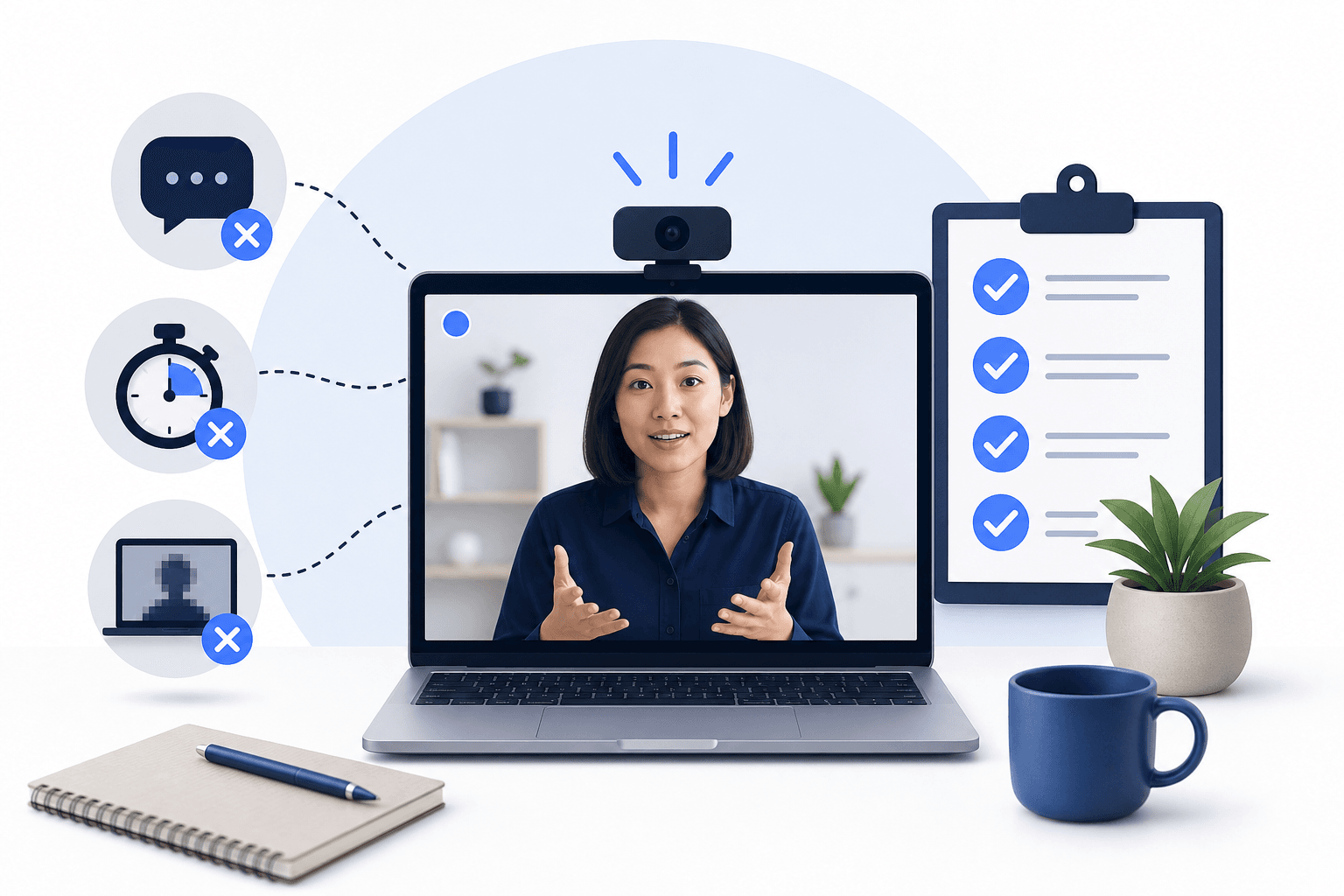
A Spark Hire interview is usually a one-way video interview: the company sets the questions in advance, and you record your answers on your own, at any time before the deadline. Nobody watches live. Spark Hire is the software company that runs the platform; the employer chooses the questions, the timing and how many takes you get.
This guide walks through the whole process using Spark Hire's own candidate help center (checked October 2026), including the details candidates most often ask about: pausing, skipping, re-recording and what the company can see.
Candidate Falcon is independent and is not affiliated with Spark Hire.
What Is Spark Hire?
Spark Hire makes hiring software. Its candidate help center describes two products a company might use:
- Spark Hire Meet, used to assess candidates, including one-way video interviews.
- Spark Hire Recruit, an applicant tracking system for managing applications.
Some companies also send a Spark Hire predictive behavioral assessment: a multiple-choice questionnaire of about 20 minutes about how you prefer to work, with no right or wrong answers. If your invitation is for a video interview, the rest of this guide applies.
How a Spark Hire One-Way Interview Works
1. You get an invitation link
The invitation comes by email, either from the company or from Spark Hire. Clicking the link does not start the interview. You may be asked to verify your email address first. The first page shows details about the job, the number of questions and your deadline.
If you see a "Job is inactive" message, the company has switched off interviews for that position. Contact the company: Spark Hire says this is sometimes accidental.
2. A short walkthrough
Before any questions, Spark Hire shows a welcome video, a few tips, a tutorial on the process and the interview expectations and consent guidelines you need to confirm. You may also be asked to update your details.
3. Camera, microphone and a practice video
You have to confirm that your camera and microphone work before you can continue. Then you can record practice videos, watch them back and record again. Practice videos are not saved or shared with the company, so use them freely.
4. The questions, one at a time
For each question, the company can set three things, and Spark Hire shows them to you before you start the question:
| Setting | What it means |
|---|---|
| Think time | How long you have to think before recording starts |
| Takes | How many recordings you are allowed for that question |
| Time limit | The maximum length of your answer. You do not have to use all of it |
You cannot see the questions in advance, unless the company has shared them outside the platform.
5. Submitting
When you finish, you see a completion message, sometimes followed by a video from the company and a short survey. Spark Hire also sends a confirmation email. If you are not sure your interview went through, Spark Hire's support team can check for you.
The Rules Candidates Ask About Most
Can you pause a Spark Hire interview? Yes. You can leave and come back through the same link as many times as you need before the deadline, and you pick up where you left off. The exception is a question with limited think time: Spark Hire warns you before you view it, and you should not leave in the middle of it.
Can you re-record an answer? Only if you have takes left for that question. Once you submit an answer, you cannot redo it, even if you still had takes remaining, so watch your recording before you submit.
What happens if you skip a question? The Skip option appears only after you have used all your takes. Skipping submits a blank answer, and the company is told you skipped. Treat it as a last resort, not as "this question is optional".
Does the company see how many takes you used? No. Spark Hire says the company does not see how many times you attempted a question.
Does the company see your videos before you finish? No. The company sees your answers only after you complete the interview.
Is a Spark Hire interview reviewed by AI? It can be. Spark Hire offers an AI Video Review tool that assesses recorded answers against job competencies and was tested on anonymised transcripts. Spark Hire says final hiring decisions are always made by people. Either way, what you say, and how clearly you say it, is what gets assessed.
How Spark Hire Differs From HireVue
Both are one-way video interviews, but Spark Hire's candidate rules are more forgiving in two ways:
- You can pause and come back before the deadline, outside limited-think-time questions.
- The company does not see your attempt count.
As with HireVue, the employer decides think time, takes and answer length, so do not assume generous settings. Our HireVue vs Spark Hire comparison covers the differences in more detail.
How to Prepare for a Spark Hire Interview
Spark Hire's own checklist for the day:
- a quiet, well-lit place where you will not be interrupted;
- a supported browser;
- other apps that use your camera or microphone closed, such as Zoom, Teams or Google Meet;
- your camera at eye level;
- notifications silenced;
- enough uninterrupted time before the deadline.
For the answers themselves:
- Read the job description closely. Spark Hire cannot tell you which questions a company will ask; it suggests using the job description, the company website and anything the company has sent you.
- Prepare four or five real examples you can adapt: a team project, a challenge, a mistake, a time you learned something quickly and why you want this role.
- Practise out loud with a timer. Our list of common Spark Hire interview questions with example answers is a good place to start.
- Plan for one take. Even if you get several, the first recording should be one you would be happy to submit.
For more on the technical side, see our guides to testing your camera and microphone for Spark Hire and Spark Hire takes and retakes, or take the free Spark Hire interview course.
If you want to rehearse the format itself, our Spark Hire interview practice simulator lets you choose the answer length and the number of questions, practise with up to three takes or a single take, record answers to common or job-specific questions, and get AI feedback on each answer.
Spark Hire Interview: FAQs
How long does a Spark Hire interview take?
It depends on how many questions the company set and their time limits. The first page of your interview shows the number of questions, and each question shows its time limit before you start.
Can I do a Spark Hire interview on my phone?
Spark Hire supports one-way interviews on a device with a camera and microphone. Check its supported browsers and device requirements before you start, and use the device you practised on.
Can I see the Spark Hire questions before I start?
No. Questions appear one at a time during the interview, unless the company shared them with you separately.
Who decides whether I move forward?
The company. Spark Hire provides the software; questions about your application status go to the company you applied to.
Sources
Spark Hire Candidate Help Center (checked October 2026):
- "How a Spark Hire one-way video interview works": invitation, walkthrough, setup, practice video, questions one at a time, pausing and returning.
- "Preparing for a one-way video interview": practice videos not saved or shared, questions not visible in advance, think time, takes and time limit per question, setup best practices.
- "Answering one-way video interview questions": skipping, re-recording, no changes after submitting, the company not seeing attempts or videos before you finish.
- "Accessing a one-way video interview": invitation links, email verification, the "Job is inactive" message.
- "How do I know if my one-way video interview was submitted?": completion message and confirmation email.
- "Spark Hire AI overview for candidates": Spark Hire Meet and Recruit, AI Video Review, human hiring decisions.
- "How a Spark Hire predictive behavioral assessment works": multiple choice, about 20 minutes.
Related Articles

Talview vs VidCruiter: What Candidates Actually Experience, and How to Prepare for Either
Read more
What Is a One-Way Video Interview and How Should You Prepare?
Read more