What Is a One-Way Video Interview and How Should You Prepare?
Candidate Falcon
Editorial Team
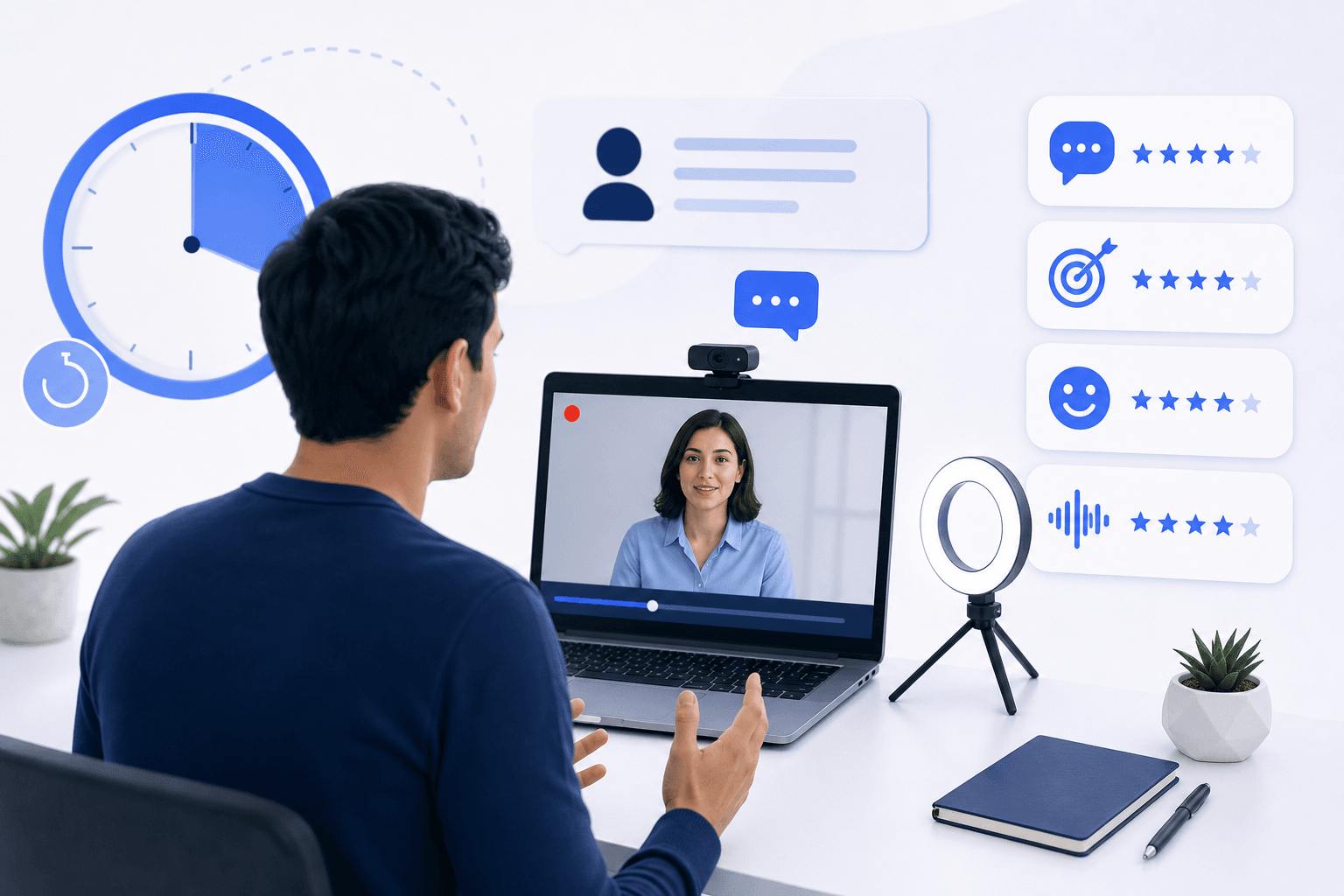
You open your email and find an invitation to complete a "video interview" before you've spoken to anyone at the company. There's no scheduled call, no interviewer on the other end, and a 48-hour deadline. If you've never seen this format before, it can feel genuinely disorienting.
This article explains what a one-way video interview is, how the main platforms work, what recruiters are actually evaluating, and how to prepare so the format doesn't catch you off guard.
What a One-Way Video Interview Actually Is
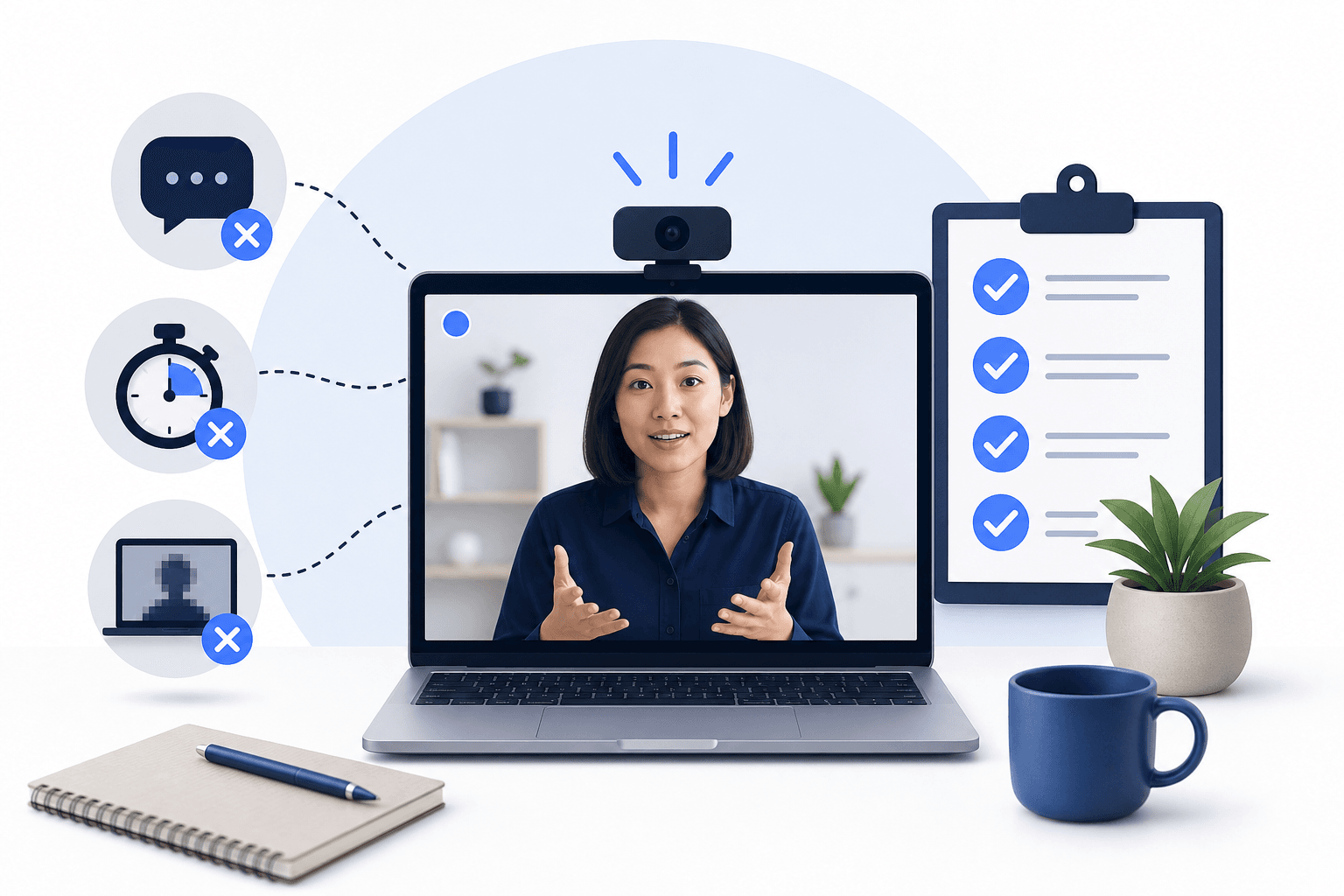
A one-way video interview, also called an asynchronous video interview, is a recorded screening format where you answer pre-set questions on camera without a live interviewer present. You receive a question, record your response, and the recording is reviewed by a recruiter or scored by an AI system after you submit it.
The "one-way" label refers to the direction of communication: you speak, but no one responds in real time. Unlike a Zoom call or a phone screen, there is no back-and-forth.
This format is now standard practice at large employers across finance, consulting, technology, and retail. The platforms that deliver it include HireVue, Spark Hire, Talview, and VidCruiter, each with slightly different mechanics.
How the Main Platforms Work
HireVue
HireVue is the most widely used platform for enterprise hiring. A typical invitation asks you to complete a set of behavioral or competency-based questions, and sometimes a game-based assessment in the same session. Each question comes with a preparation window (usually 30 seconds) and a response time limit (usually up to 3 minutes, though employers can adjust both). Once you submit a response, you cannot re-record it.
HireVue uses AI to analyze verbal content and delivery, and in some configurations, facial expression data. Employers set their own question banks and time parameters, so the exact experience varies by company.
For practical guidance on best strategies for a HireVue video interview, the platform mechanics matter as much as the content of your answers.
Spark Hire
Spark Hire operates on a similar model. You receive a question, a countdown timer starts, and you record your response. One notable feature is a dedicated "think time" window before recording begins. Spark Hire also lets employers set a maximum number of retakes per question, which varies by configuration. Some employers allow one retake; others allow none.
Question style on Spark Hire tends toward behavioral and situational prompts. The platform is common in mid-market hiring across the US, UK, and Australia.
Talview
Talview combines video interview capability with proctoring features, making it a common choice when employers want to verify a candidate's identity or monitor the session environment. The video interview component follows the same asynchronous model: pre-set questions, time limits, recorded responses.
Talview appears frequently in banking, insurance, and large-scale graduate recruitment programs.
VidCruiter
VidCruiter offers both asynchronous and live interview modes. In asynchronous mode, the format is similar to the others: you see a question, you have a set time to prepare, and you record your response. VidCruiter is used across a range of industries and is notable for its structured scoring features, which allow multiple reviewers to rate responses against a consistent rubric.
What Recruiters Are Evaluating
The criteria vary by employer and platform, but the most common dimensions assessed in a one-way video interview are:
- Communication clarity: Can you structure a response that is easy to follow?
- Relevance: Does your answer actually address the question asked?
- Composure: Do you appear calm and focused under the time pressure of the format?
- Specificity: Do you give concrete examples rather than vague generalities?
- Presence: Does your delivery feel natural and engaged, or stilted and scripted?
When AI scoring is involved, delivery signals such as pacing, filler words, and eye contact may also factor into the evaluation. This isn't uniform across platforms, and employers configure scoring differently, but it's worth being aware of.
Why the Format Feels Harder Than a Live Interview
Most candidates find the one-way format more stressful than a live interview, not less. A few reasons explain this.
No social feedback. In a live interview, you can read the interviewer's reactions and adjust. In a one-way recording, you have no signal about how you're landing.
The camera feels like a wall. Speaking to a lens without a human face on the other side is unnatural. Most people have never practiced this specifically.
Time limits create pressure. Knowing you have exactly 3 minutes and cannot extend it changes how you think mid-answer. Candidates often rush, over-explain, or trail off as the timer runs down.
Responses are permanent. Knowing you can't redo a submission adds a layer of pressure that simply doesn't exist in a casual video call.
The solution to all of these is practice under the same conditions, not general interview coaching.
How to Prepare Effectively
Practice with the actual format, not a mirror
Reading tips about video interviews is not the same as recording yourself answering a timed question and watching it back. The gap between how you think you sound and how you actually come across on camera is significant for most people. You need to close that gap before your real session, not during it.
Use a structured answer framework
For behavioral questions, a clear structure helps you stay on track within the time limit. The STAR method (Situation, Task, Action, Result) is widely used and works well for one-way formats because it gives your answer a natural arc that is easy for reviewers to follow.
Avoid opening with a long preamble. Get to the substance of your answer quickly.
Prepare for the specific platform
Each platform has different timing rules, preparation windows, and retake policies. Preparing generically for "a video interview" is less useful than preparing for the specific platform named in your invitation. If your invitation says Spark Hire, practice with Spark Hire timing. If it says HireVue, understand HireVue's preparation window and response length before you start.
Sort out your setup before the deadline
Camera angle, lighting, background, and audio quality all affect how your recording is received. A well-lit, quiet setup with your camera at eye level reads as professional and composed. A dark room with your face half in shadow does not, regardless of what you say.
If you're wondering whether you can complete a HireVue interview on your phone, the answer is yes in most cases, though there are practical considerations worth reviewing before you start. See Can You Do a HireVue Video Interview on a Phone for the specifics.
Practice with platform-specific questions
Generic interview questions are a starting point, but they don't reflect the question style or competency focus of a specific employer or platform. Practicing with questions drawn from the actual platform you're using is more efficient preparation, especially when you have 24 to 48 hours.
Where Candidate Falcon Fits
Candidate Falcon is built specifically for this preparation window. It includes dedicated modules for HireVue, Spark Hire, Talview, and VidCruiter one-way video interviews, with platform-specific question libraries, unlimited practice recordings, and AI-powered feedback on your recorded responses.
The AI feedback reviews your recorded answers and surfaces specific observations about your delivery, structure, and content. That's more useful than watching yourself back without a clear framework for what to improve.
The platform also covers all 11 HireVue game-based assessment types, so if your invitation includes a game component alongside the video questions, you can prepare for both in the same place. That combination of game simulation and multi-platform video interview preparation in a single product is what sets Candidate Falcon apart from tools that only cover one side of the HireVue experience.
If your hiring process also includes the Switch Challenge, that is a separate deductive reasoning test from Aon, not part of HireVue; our Switch Challenge guide explains how it works.
Common Mistakes to Avoid
Treating preparation time as optional. The 30-second window before each question is real time you can use. Sketch a quick structure for your answer rather than sitting in silence.
Rambling to fill time. A focused 90-second answer is better than a disorganized 3-minute one. Reviewers notice when candidates are padding.
Reading from notes. Glancing away from the camera repeatedly signals that you're reading rather than speaking naturally. If you need a prompt, keep it directly behind your screen so your eye line stays close to the lens.
Ignoring the deadline. One-way video interview invitations expire. Completing the session 10 minutes before the deadline is not a preparation strategy.
Not testing your setup. A technical failure mid-session is avoidable. Test your camera, microphone, and internet connection before you open the invitation link.
Frequently Asked Questions
What is a one-way video interview? A one-way video interview is a pre-recorded screening format where you answer employer-set questions on camera without a live interviewer present. Your responses are reviewed by a recruiter or scored by an AI system after you submit them.
Which platforms are used for one-way video interviews? The most common platforms are HireVue, Spark Hire, Talview, and VidCruiter. Each has slightly different timing rules, retake policies, and scoring features, so it's worth preparing for the specific platform named in your invitation.
Can you redo your answers in a one-way video interview? It depends on the platform and employer configuration. Some employers allow one retake per question; others allow none. HireVue typically does not allow retakes once a response is submitted. Check the instructions in your invitation for the specific policy.
What are recruiters looking for in a one-way video interview? Recruiters generally evaluate communication clarity, relevance of your answer to the question, composure under time pressure, use of specific examples, and overall delivery. When AI scoring is active, additional delivery signals such as pacing and filler words may also be assessed.
How much time do you get to answer each question? This varies by employer and platform. HireVue typically gives 30 seconds of preparation time and up to 3 minutes to respond, though employers can adjust both. Spark Hire and other platforms have similar structures with employer-controlled limits.
Is it possible to prepare for a one-way video interview in 24 hours? Yes. Focused preparation within a short window is the most common scenario. Practicing with timed recordings, reviewing your delivery, and familiarizing yourself with the specific platform's format can make a meaningful difference even with limited time.
What is the difference between a one-way video interview and a live video interview? In a live video interview, you and the interviewer are on a call at the same time and can interact in real time. In a one-way video interview, there is no live interviewer. You record your responses independently, and the recruiter reviews them later.
Start Preparing Now
The one-way video interview format is predictable once you understand it. The mechanics are consistent, the question types follow recognizable patterns, and the main variable is how comfortable you are recording yourself under time pressure.
That comfort comes from practice, not from reading about it. If you have an invitation in your inbox, start preparing at Candidate Falcon with platform-specific questions, unlimited recordings, and AI feedback on your responses.
Related Articles
Spark Hire Interview: How It Works and What Employers See
Read more
Talview vs VidCruiter: What Candidates Actually Experience, and How to Prepare for Either
Read more