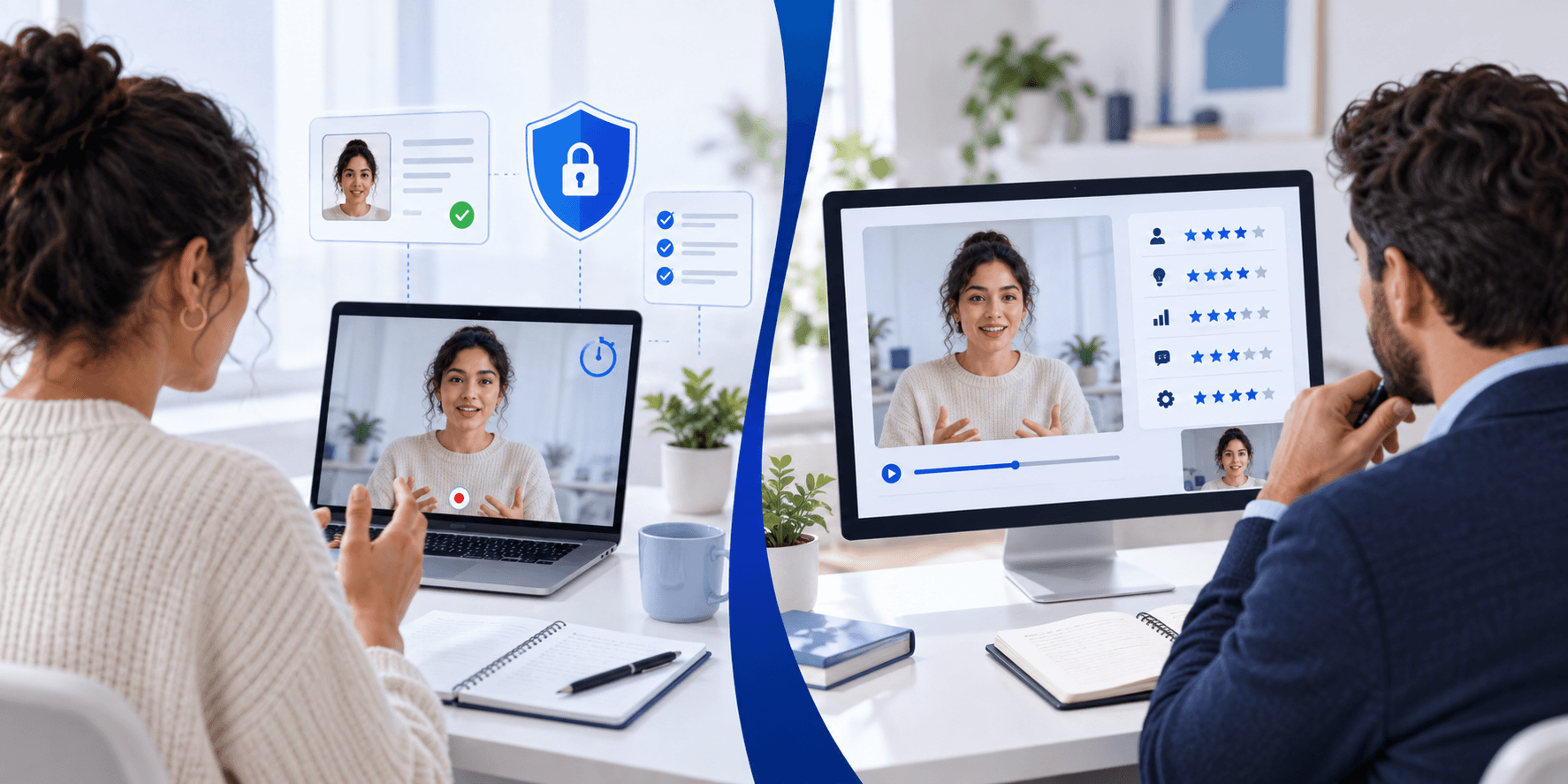
Asynchronous Video Interview Tips: Common Traps and How to Avoid Them
Candidate Falcon
Editorial Team
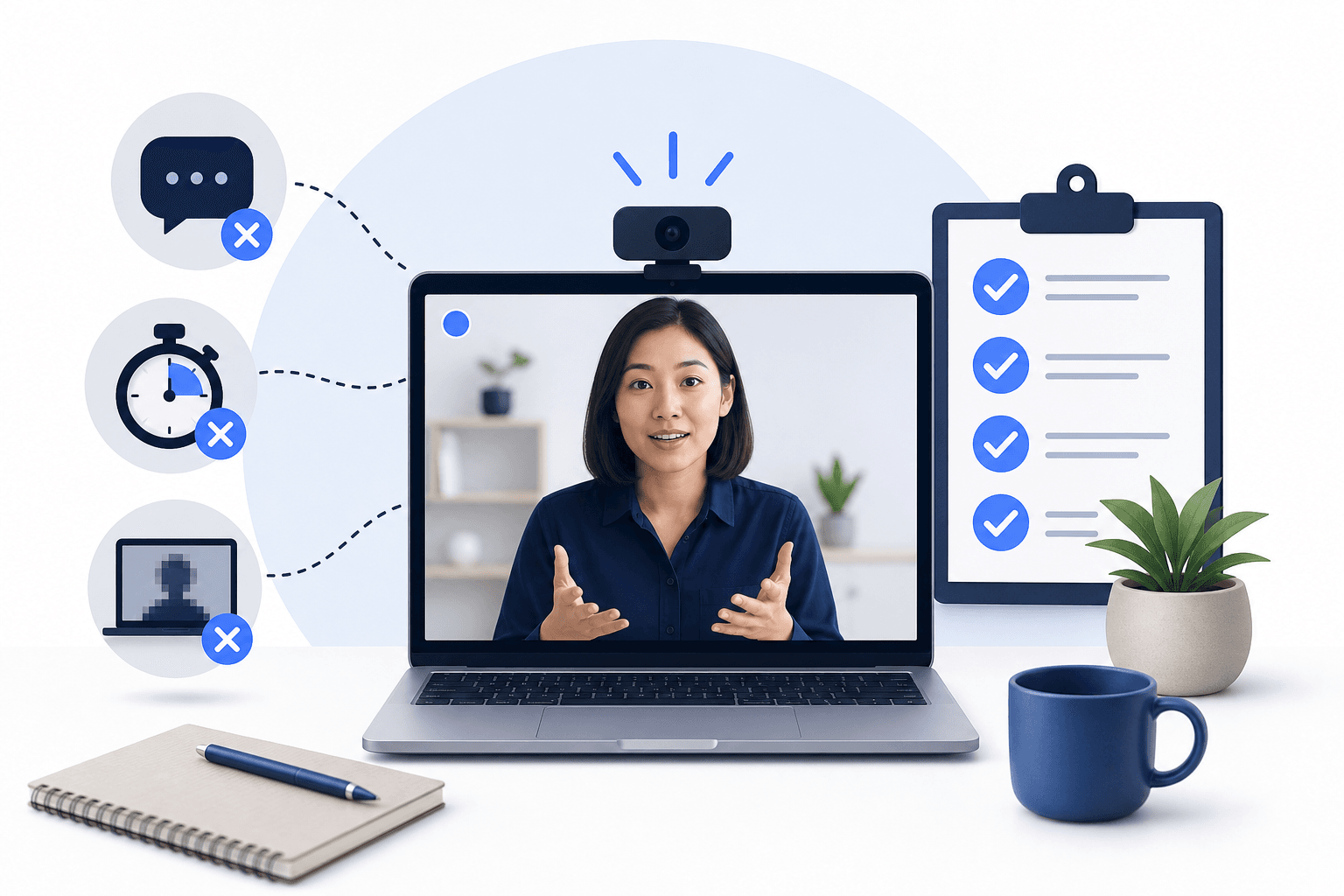
You open your email and find a link to complete a video interview. No interviewer. No scheduled call. Just you, a camera, and a countdown timer. This is an asynchronous video interview, and it catches out a surprising number of candidates who go in without understanding how the format actually works.
The good news: the traps are predictable. Once you know what they are, you can prepare around them.
What Makes Asynchronous Video Interviews Different
In a live interview, you get real-time feedback. You can read the room, ask for clarification, and adjust your pace based on how the conversation is going. In an asynchronous format, none of that exists.
You record your answers to pre-set questions, and a recruiter or hiring manager watches them later. Platforms like HireVue, Spark Hire, Talview, and VidCruiter each handle this slightly differently, but the core mechanics are the same: limited preparation time per question, a fixed recording window, and no second chances once you submit.
That combination is where most candidates go wrong.
The Most Common Traps
Trap 1: Treating It Like a Live Interview
Live interviews reward conversational flow. Asynchronous interviews reward structure. When you speak the way you would in casual conversation, you tend to ramble, circle back, and fill silence with filler words. On a recorded response with a 90-second or 3-minute limit, that pattern is obvious and hard to overlook.
What works instead is a clear answer architecture. State your point, support it briefly, and close. The STAR method (Situation, Task, Action, Result) works well for behavioral questions because it gives your answer a natural shape that reviewers can follow.
Trap 2: Ignoring the Timer
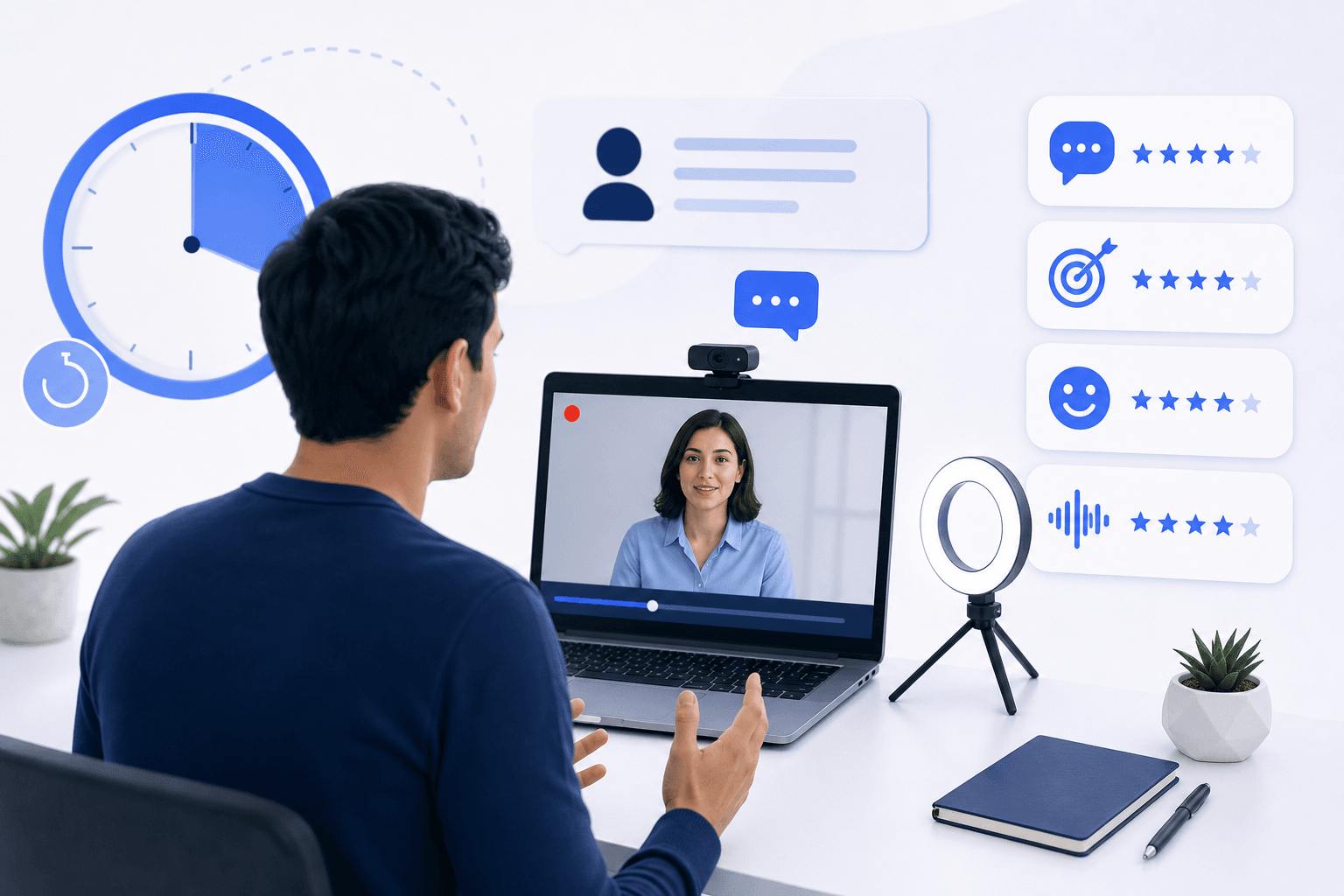
Most platforms display a countdown during recording. Candidates who have not practiced with a real timer almost always misjudge their pacing. They either run out of time mid-sentence or finish in 40 seconds when the question allows 2 minutes, leaving dead air.
Both outcomes look bad. Running out of time signals poor preparation. Finishing too early signals you had nothing more to say.
The fix is straightforward: practice with a timer running. Not a rough estimate in your head. An actual timer. This is one reason that practicing in a format that mirrors the real interface matters more than rehearsing answers in front of a mirror.
Trap 3: Poor Environment Setup
Candidates spend hours preparing answers and then record in a room with a window behind them, a noisy fan, or a cluttered background. Reviewers watch dozens of recordings. A distracting environment pulls attention away from what you are saying.
Practical setup checklist:
- Light source in front of you, not behind. Natural light from a window facing you works well. A lamp at eye level is a reliable backup.
- Camera at eye level. Laptop cameras pointed upward from a desk create an unflattering angle. Stack the laptop on books or use an external webcam.
- Quiet room. Close the door, silence notifications, and record during a time when background noise is minimal.
- Neutral background. A plain wall or tidy bookshelf is fine. A busy background with movement is not.
If you are considering recording on a phone, it is worth understanding the trade-offs first. The HireVue mobile recording guide covers what works and what to watch for when you are not using a desktop setup.
Trap 4: Not Using the Preparation Time
Most platforms give you a short window before each question starts recording. On HireVue, this is typically 30 seconds. Candidates who have not practiced often spend that time slowly reading the question and then start recording before they have a clear structure in mind.
Use those seconds to do one thing: decide your opening sentence. If you know exactly how you are going to start, the rest of the answer tends to follow more naturally. Hesitation at the beginning of a recorded response is one of the most common patterns that makes an answer feel unpolished.
Trap 5: Treating Every Platform the Same
HireVue, Spark Hire, Talview, and VidCruiter each have different interfaces, different timing structures, and different question formats. A candidate who prepared for one platform and then faces another without adjusting can be caught off guard by small but disorienting differences: where the timer appears, whether re-recording is allowed, how many questions are in the set.
Knowing the specific platform you are facing is not a minor detail. It affects how you pace yourself and what to expect at each step.
Trap 6: Overlooking Body Language and Eye Contact
In a live interview, eye contact happens naturally because you are looking at a person. In a video recording, eye contact means looking directly at the camera lens, which feels unnatural and takes deliberate practice.
Most candidates look at their own image on screen instead. The result is a recording where your eyes are consistently angled slightly downward or to the side, which reads as disengagement.
The fix is to position your self-view small and in a corner, or hide it entirely, and place a small sticker or mark near the camera lens as a focal point. Practice until looking at the lens feels normal.
Posture matters too. Sitting up straight and keeping your hands visible signals composure. Slumping or leaning back reads as low energy, regardless of what you are saying.
Trap 7: Not Reviewing Your Practice Recordings
This is the trap that separates candidates who improve from those who repeat the same mistakes. Recording a practice answer and then not watching it back is almost as unhelpful as not practicing at all.
Watching your own recordings is uncomfortable. Most people notice things they do not like. That discomfort is the point. You want to catch the filler words, the pacing issues, and the moments where your answer loses structure before the real recording.
How to Build a Preparation Routine That Actually Works
Reading about asynchronous video interview tips is useful. Practicing the actual format is what moves the needle.
Candidate Falcon's video interview preparation modules are built specifically for HireVue, Spark Hire, Talview, and VidCruiter. Each module includes a platform-specific question library, unlimited practice recordings, and AI-powered feedback on your recorded responses. You can review your recordings, identify patterns, and repeat sessions until the format feels familiar rather than foreign.
The HireVue video interview strategies guide is a useful starting point if HireVue is the platform you are facing. Preparation can be completed in a single focused session or spread across multiple days depending on how much time you have before your deadline.
Learn more at candidatefalcon.com.
A Note on Technical Preparation
Technical problems during a recording are more common than most candidates expect. A frozen screen, a dropped connection, or an unsupported browser can cost you a submission window.
Before your actual interview:
- Test your browser. Most platforms recommend Chrome. Check the platform's requirements page and use the recommended browser.
- Run a test recording. Many platforms offer a test question before the real assessment starts. Use it fully, not just to confirm the camera works, but to check audio levels, framing, and lighting.
- Close other applications. Video recording is resource-intensive. Open tabs and background applications can cause lag or dropped frames.
- Check your internet connection. A wired connection is more stable than Wi-Fi for recording sessions. If Wi-Fi is your only option, move closer to the router.
For device-specific setup guidance, the HireVue assessment device setup guide covers the hardware and browser configurations that tend to produce the most reliable experience.
FAQs
What is an asynchronous video interview? An asynchronous video interview is a pre-recorded format where you answer a set of questions on video without a live interviewer present. You record your responses within a set time limit, and a recruiter or hiring manager reviews them later. Platforms like HireVue, Spark Hire, Talview, and VidCruiter all use this format.
Can I re-record my answers in an asynchronous video interview? It depends on the platform and the employer's settings. Some platforms allow one re-record per question; others do not. HireVue's default is typically no re-records, though some employers configure exceptions. Check the platform instructions before you start so you are not caught off guard.
How long should my answers be in an asynchronous video interview? Aim to use most of the time allowed without running over. If the question gives you 2 minutes, a 90-second to 2-minute answer is appropriate. Finishing in 30 seconds suggests you ran out of content. Exceeding the limit cuts your answer off. Practice with a timer to calibrate your pacing before the real session.
What should I wear for an asynchronous video interview? Dress the same way you would for a live interview with that employer. Avoid patterns that look busy on camera, such as fine stripes or small checks, as they can create visual distortion. Solid colors in neutral or muted tones tend to read cleanly on video.
Does the platform record my screen or just my camera? Most asynchronous video interview platforms record your camera and audio only. Some may also record your screen or use AI to analyze facial expressions and speech patterns during the session. Review the platform's terms or the employer's instructions if you want to know exactly what is being captured.
How do I look at the camera naturally during a video interview? Position your self-view window small and near the camera lens, or hide it entirely. Place a small visual marker near the lens as a focal point. Practice answering questions while looking at that marker until it becomes a habit. It feels unnatural at first but gets easier with repeated practice recordings.
Is it worth practicing for an asynchronous video interview if I have less than 24 hours? Yes. Even a single focused session of 30 to 60 minutes makes a meaningful difference. The biggest gains come from hearing yourself on a recording, adjusting your pacing and structure, and getting comfortable with the countdown timer. You do not need days of preparation to improve noticeably.
Start Before the Deadline Pressure Hits
Most candidates only think about preparation after the invitation link arrives. By then, they often have 24 to 48 hours and a long to-do list competing for that time.
The candidates who perform best are the ones who already know what the format feels like. They have watched themselves on a recording, adjusted their pacing, and practiced answering structured questions under a timer. That familiarity removes the anxiety that makes the real session harder than it needs to be.
If you have an invitation in hand or expect one soon, start preparing now.