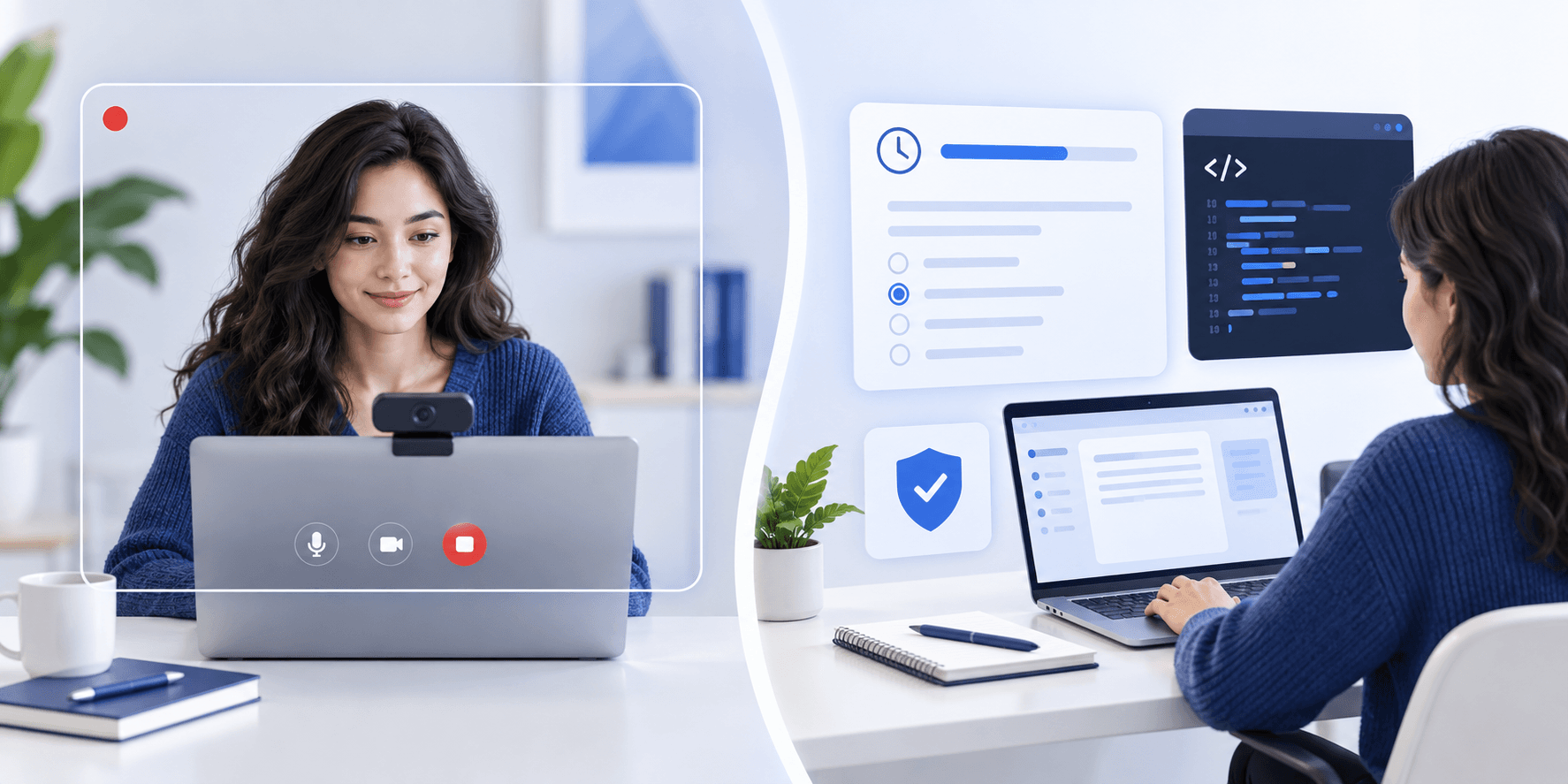
Spark Hire vs Talview: Candidate Formats, Timers and Retakes
Candidate Falcon
Editorial Team
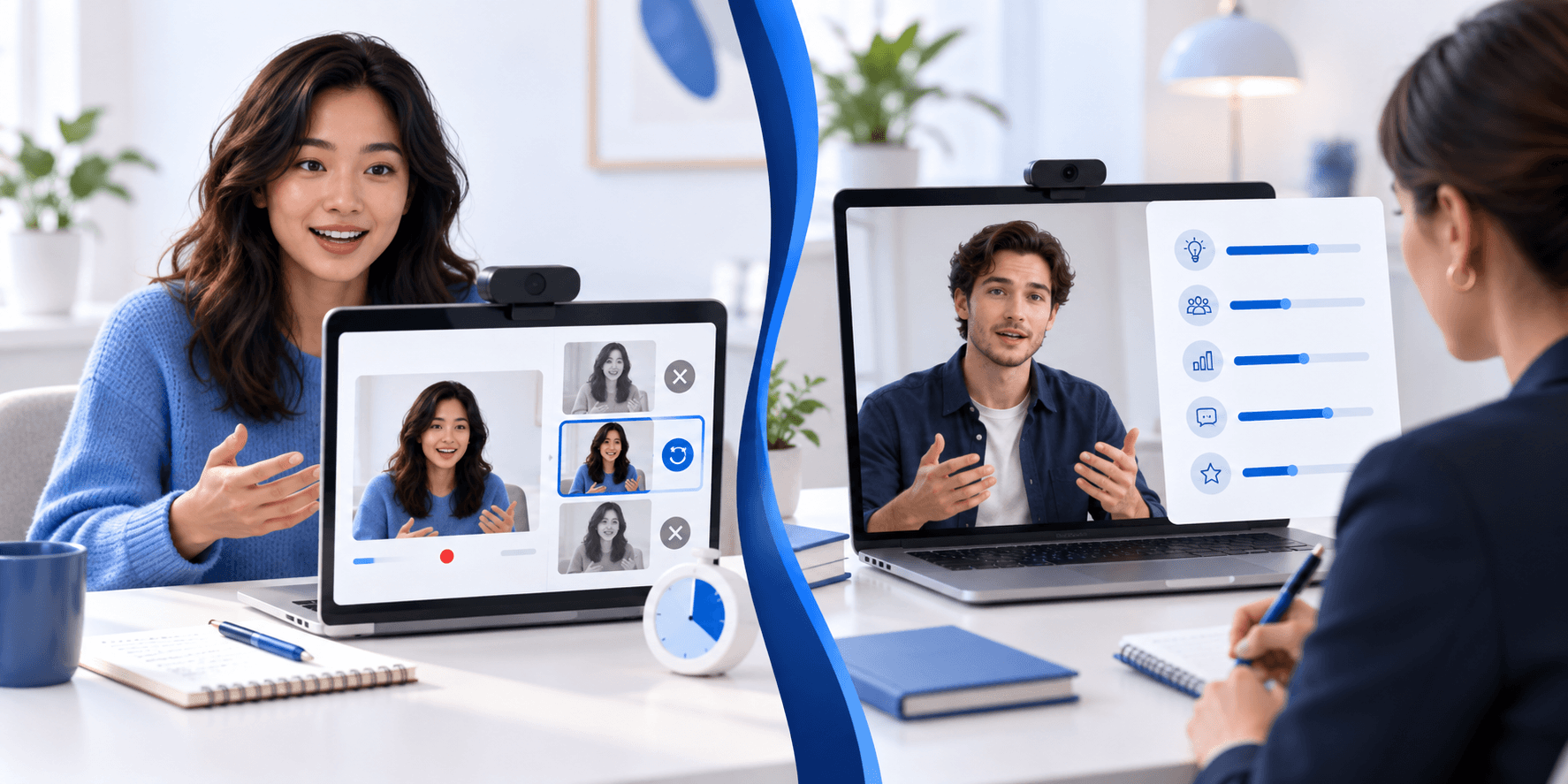
Spark Hire and Talview support recorded and live interview workflows. The key practical difference is not which platform is harder, but what your invitation allows: preparation time, response limits, answer attempts, breaks and any additional assessment or proctoring.
Spark Hire's One-Way guide explicitly allows pausing and returning before the deadline. Talview's current assessment FAQ warns that timers continue during breaks and disconnections. Do not transfer one platform's pause rules to the other, or assume that pausing an interview stops a question already being timed.
Spark Hire vs Talview at a Glance
| Candidate question | Spark Hire | Talview |
|---|---|---|
| Recorded format | One-Way video answers submitted for company review | Async video or audio answers to preset questions |
| Live format | Candidate support also covers live video interviews | Scheduled real-time interviews |
| Preparation time | Employer settings can give limited or unlimited think time | Follow recruiter-defined settings and on-screen instructions |
| Response limits and takes | Think time, takes and response limit are displayed for the question | Async time limits and retries are defined by the recruiter |
| Can I pause? | One-Way guide allows returning before the deadline; this is not a promise to stop an active timer | Assessment timer continues during breaks or disconnection |
| AI use | Optional transcripts, summaries and AI scoring on specific competencies | Ivy AI interviews and configured AI evaluation reports are documented |
| Other assessment stages | Separate behavioral assessment product and employer workflows may apply | Objective, written, coding and AI-led assessments are supported |
| Monitoring | Follow your employer's disclosed requirements | Proctored assessments may require camera, microphone and screen access |
Neither column is a promise about your specific interview. Read the invitation, question settings and consent screens before you start.
What to Expect on Spark Hire
One-Way Video Interviews
Accepting the invitation does not immediately start answering questions. Spark Hire's candidate guide describes a walkthrough, equipment checks and an optional practice recording before the actual interview. The entry page shows the job, question count and deadline.
Before a question, you see think time, takes and time limit. Limited think time starts when you choose to view the question and begin its countdown; when it expires, recording begins automatically. Unlimited think time lets you start recording when ready. Do not rehearse only an automatic countdown if your employer has enabled unlimited preparation.
After recording, the guide describes playback and submission. A retake option may appear if the employer allowed it and takes remain. Practice recordings can be retaken, but this is not evidence that the real questions have unlimited takes.
Spark Hire says you can pause a One-Way interview and return through its link before the deadline. Plan pauses between questions, not as a way to escape a countdown already underway. Leave enough time for the final submission rather than treating the deadline as the latest moment to begin.
Live Interviews and Review
A live interview is a scheduled conversation, not the One-Way sequence. Confirm the joining instructions and time zone, and practise listening and responding to follow-up questions.
The One-Way guide says submitted answers go to the company to watch and review. That does not prove human-only review: Spark Hire's current One-Way product page explicitly offers optional transcripts, AI summaries and AI scoring on specific competencies. Optional scoring and human hiring decisions can coexist. Ask the employer which features it uses if its disclosure is unclear; a product feature's availability does not prove it is enabled for your answers.
Spark Hire also advertises a separate behavioral assessment product. Do not infer that every One-Way invitation includes it, or describe the entire platform as video-only.
What to Expect on Talview
Async, Live and Ivy Are Different Workflows
Talview's current candidate FAQ describes asynchronous video or audio responses with time limits and retries defined by the recruiter. Check what is available for your question before recording.
Live interviews involve a real-time conversation. Ivy is a separate AI-led workflow: Talview describes a voice-interactive virtual interviewer that records responses and evaluates communication traits including fluency, tone and relevance. An async recording does not automatically mean an Ivy interview, and proctoring does not itself mean AI is scoring answer quality.
Talview says recruiters can receive AI evaluation reports if configured. The platform name alone does not establish your employer's review method.
Assessments and Proctoring
Your Talview invitation may instead include multiple-choice questions, written responses, a case study or coding tasks. Video-answer practice cannot cover all of these. Read the section instructions and prepare for the task you were actually assigned.
Run the system test from the invitation on the device you plan to use. Talview recommends a laptop or desktop, and mobile support is assessment-dependent. Written and coding formats may require a computer even if another part of the process works on a phone.
Proctored assessments can involve identity verification and camera, microphone or screen recording after permission is granted. Follow the actual disclosure rather than assuming every interview monitors your screen. If required permissions or equipment create a problem, contact the recruiter before starting to discuss an alternative arrangement.
Talview's FAQ says assessment timers keep running during breaks and connectivity loss. Progress may be recoverable while time remains, but a whole-assessment retake is not automatic. For a crash or interrupted timed session, contact the recruiter or test administrator promptly; they can determine whether reassignment is permitted.
A Practical Preparation Checklist
- Separate each stage. Identify recorded questions, a scheduled live interview, an AI interview and any additional test. Note the deadline and time zone for each.
- Check the actual timers. Spark Hire can offer unlimited think time; Talview retries are recruiter-defined. Avoid practising with invented standard limits.
- Use provider practice first. On Spark Hire, check your practice playback. On Talview, use any offered practice assessment and system test. Practice availability does not grant extra real-question attempts.
- Rehearse concise examples. For behavioral questions, use Situation, Task, Action and Result. Keep the setup brief and explain your own actions rather than only the team's outcome.
- Prepare live conversation separately. Practise clarification, follow-ups and questions for the interviewer. The absence of a conversational partner applies to one-way answers, not every invitation.
- Arrange accommodations early. Ask the recruiter about timing, assistive technology or another format before opening a timed section. Report technical issues with the time and error details.
Candidate Falcon is a separate service for interview practice, not Spark Hire or Talview. Recorded-answer rehearsal can help with pacing and structure; it cannot disclose an employer's actual questions or guarantee an assessment result.
Frequently Asked Questions
Is Spark Hire always one-way? No. Its candidate support covers one-way and live video interviews. Prepare for the format in your invitation rather than treating every session as a self-recording.
Can I retake questions on Spark Hire or Talview? Available takes or async retries depend on employer or recruiter configuration. Check each question's instructions. Another allowed recording is different from restarting a submitted interview or reassigned assessment; Talview says assessment retakes are not automatic.
Does Spark Hire use AI to score my video? It can. Spark Hire's One-Way product page explicitly describes optional AI scoring on specific competencies, alongside transcripts and summaries. The candidate guide does not establish which features your employer enabled. Read the disclosures or ask the recruiter rather than assuming AI is always used or never used.
Does Talview use AI to score video interviews? Some workflows use AI. Talview documents Ivy AI interviews and AI evaluation reports if configured; other workflows may rely on human review. Ask which process applies to your invitation.
Can I take a break during either interview? Spark Hire's One-Way guide allows pausing and returning before the deadline, not freezing an active recording or question countdown. Talview says assessment timers continue through breaks. For a live appointment, arrange any break with the interviewer.
Which platform is harder? There is no universal answer. Questions, time limits, assessment content and monitoring requirements matter more than the platform name. A live discussion and a proctored coding test need different preparation.
Sources and Scope
Reviewed and updated 8 October 2026 using official documentation:
- Spark Hire One-Way interview guide: practice, question settings, limited/unlimited think time, retakes, pausing and company review.
- Spark Hire candidate troubleshooting: support for one-way and live video interviews.
- Spark Hire One-Way product documentation: configurable timers and take limits, live interviews, and optional AI summaries and competency scoring.
- Spark Hire product site: AI-enabled video interviews and a separate behavioral assessment offering. Product availability is not proof of employer activation.
- Talview candidate assessment FAQs: async retries, Ivy, assessment types, continuing timers, permissions, device support and accommodations.
These sources describe platform capabilities and candidate guidance. Your employer's instructions determine the session you take.