How to Prepare for a One-Way Video Interview in Under 24 Hours
Candidate Falcon
Editorial Team
You open your email and there it is: an invitation to complete a one-way video interview before tomorrow afternoon. No interviewer, no back-and-forth, just you, a camera, and a countdown. If you have never done one before, that setup can feel disorienting even if you are a confident speaker in person.
The good news is that 24 hours is enough time to prepare well, provided you spend those hours on the right things. This guide walks you through exactly what to do, in order, so you go into the recording feeling ready rather than reactive.
What a One-Way Video Interview Actually Is
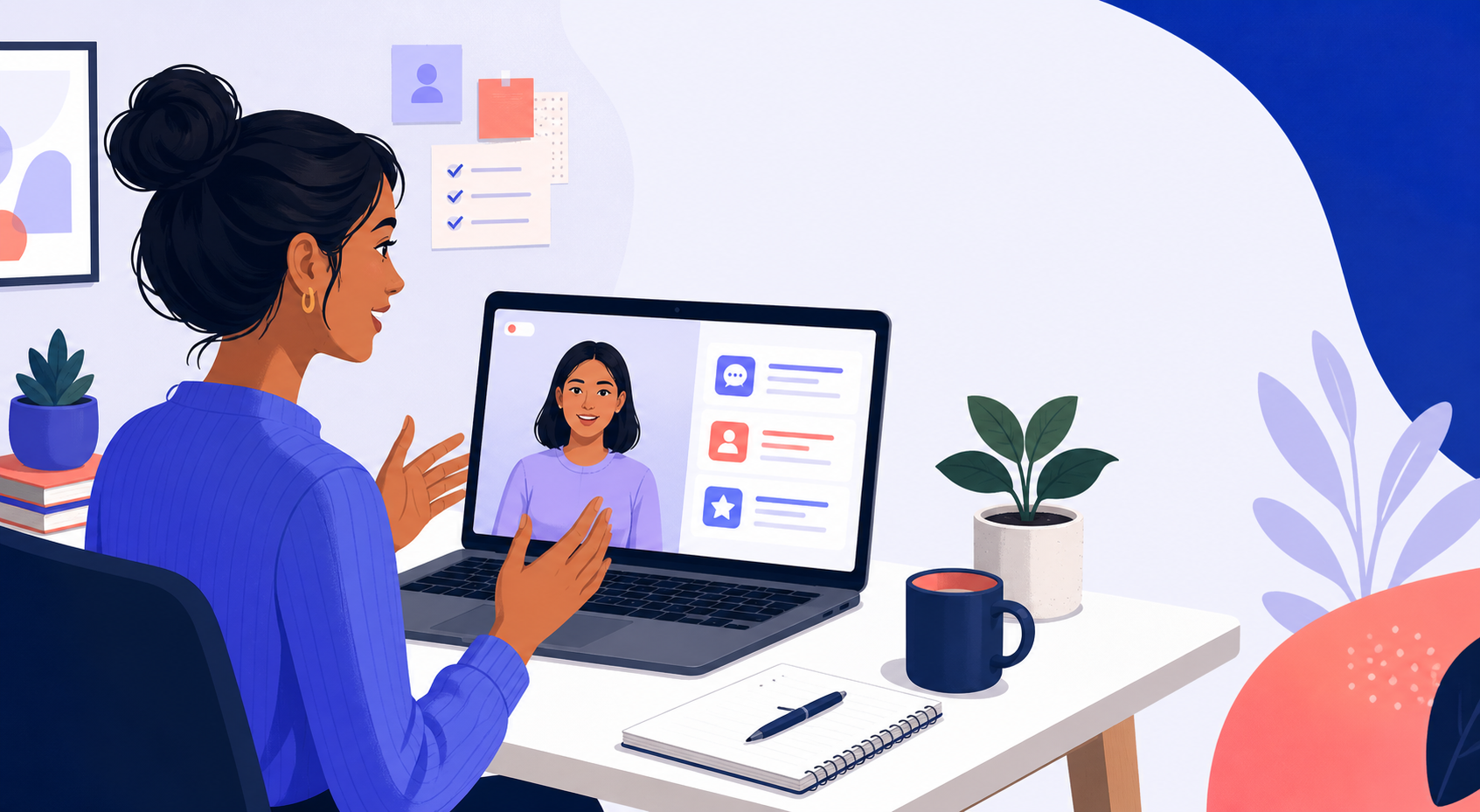
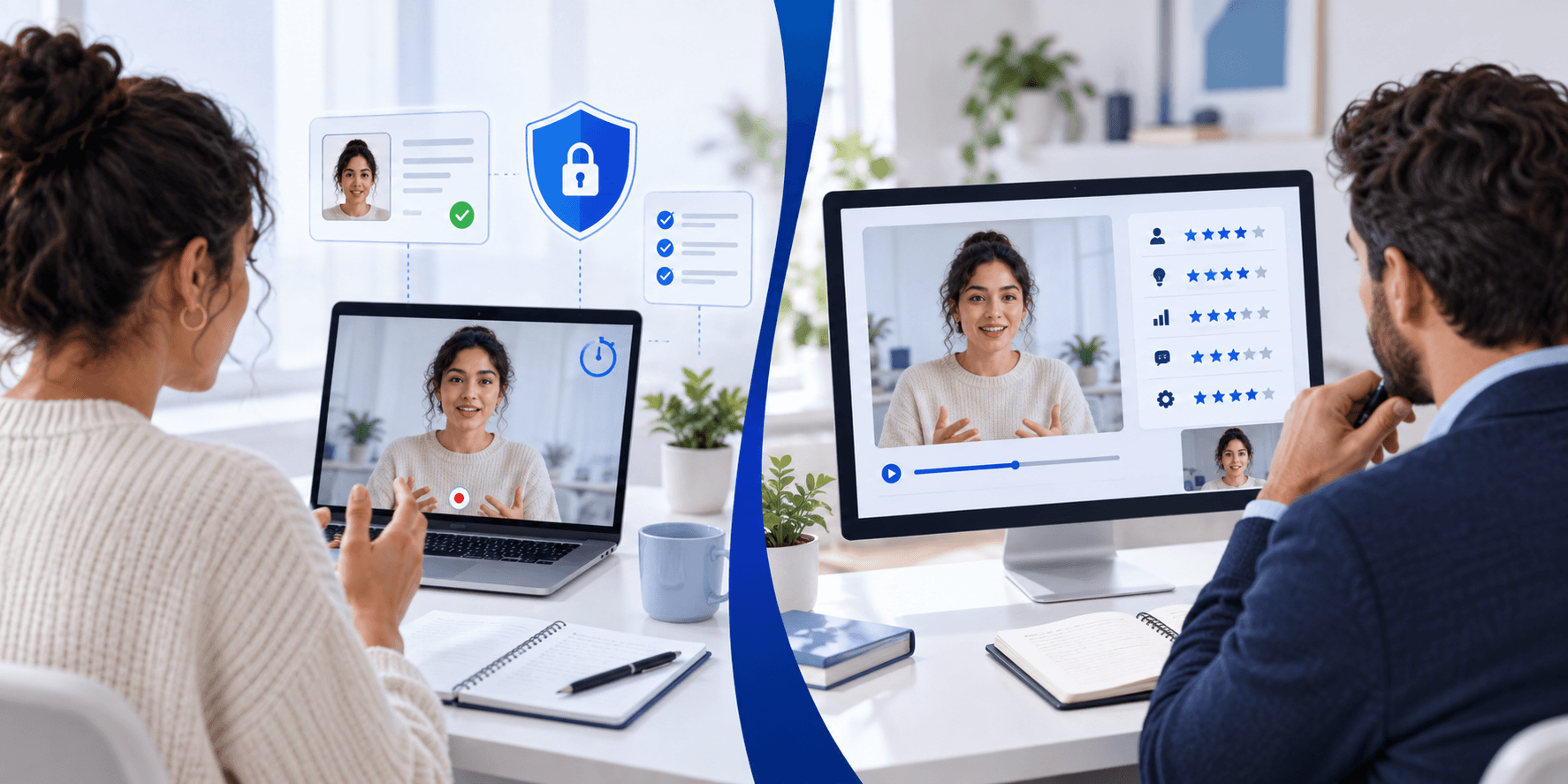
A one-way video interview, sometimes called an asynchronous video interview, asks you to record responses to pre-set questions on your own schedule. There is no live interviewer. You read or hear a question, get a short preparation window, then record your answer within a fixed time limit. The recording is reviewed later by a recruiter or scored by an AI system before any human sees it.
The platforms most commonly used for this format are HireVue, Spark Hire, Talview, and VidCruiter. Each has slightly different mechanics around timing, retakes, and interface layout, so knowing which platform you are on matters more than most candidates realize.
The key thing to understand: because there is no live interviewer, your delivery, framing, and structure carry more weight than they would in a real conversation. You cannot rely on natural back-and-forth to recover from a vague answer.
Hour 0 to 2: Read the Invitation and Understand the Format
Before you practice a single answer, spend the first two hours understanding exactly what you are walking into.
Find out which platform you are using. The recruiter email will usually name it or link directly to it. HireVue, Spark Hire, Talview, and VidCruiter all work differently. HireVue, for example, often includes game-based assessments before the video portion. Spark Hire is more commonly pure video. Knowing the platform tells you what to expect both technically and structurally.
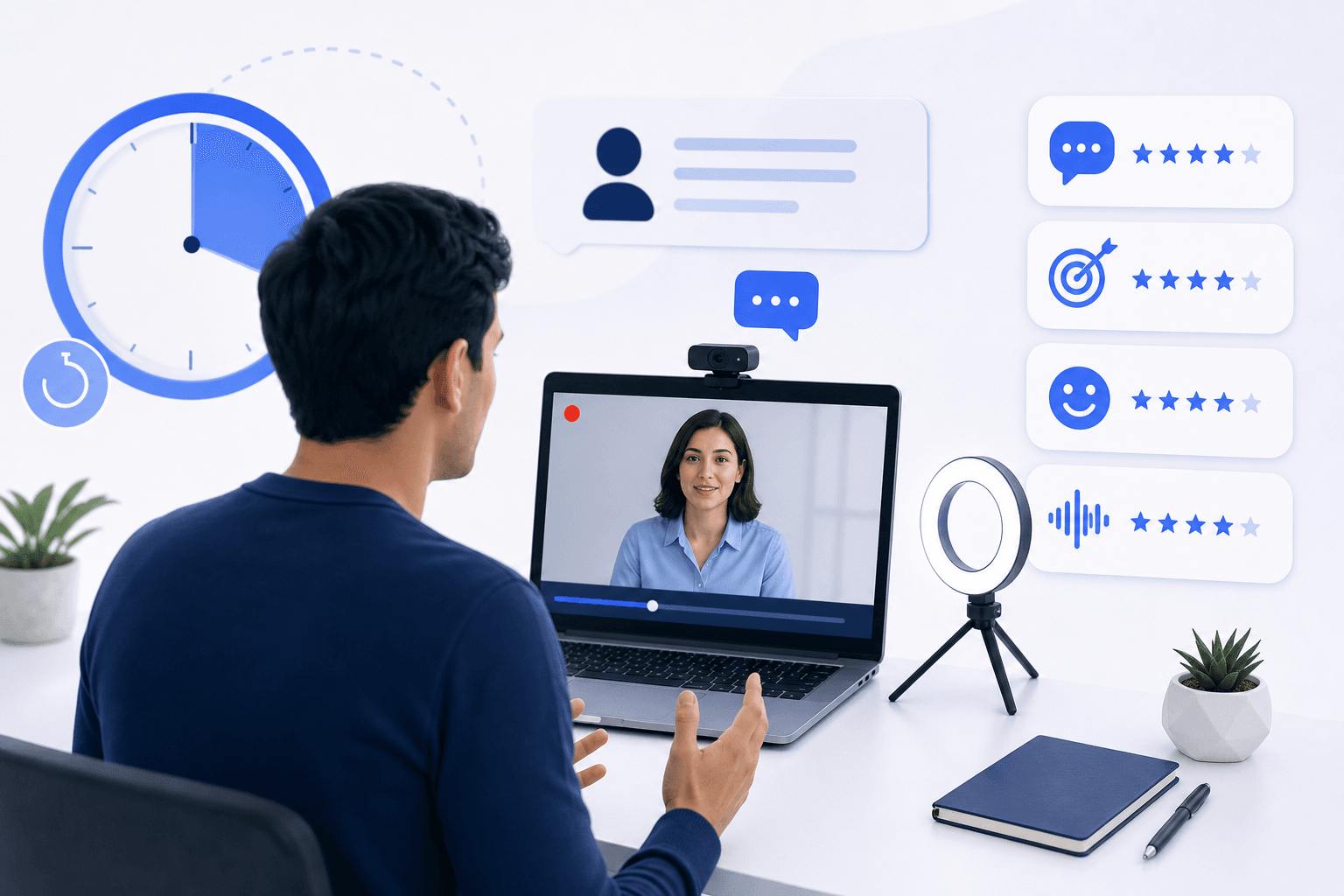
Check the rules. Look for details on how many questions there are, how long your preparation time is per question (usually 30 to 90 seconds), how long your answer window is (often 1 to 3 minutes), and whether retakes are allowed. Some platforms allow one or two retakes per question; others allow none.
Read the job description again. Pull out the three to five skills or qualities the role requires most. These are the themes your answers should keep returning to.
If you are taking a HireVue interview, also check whether the invitation mentions games or other tests. These are separate from the video questions and need their own preparation. A test called the Switch Challenge is Aon's deductive reasoning assessment, not a HireVue game; see our Switch Challenge guide.
Hour 2 to 6: Set Up Your Recording Environment
This step is often skipped or left until the last minute. Do not do that. A poor recording environment is one of the most common and most avoidable ways to make a weak impression.
Camera and Lighting
Position your camera at eye level. If you are using a laptop, raise it on books or a stand. Looking slightly down into the camera makes you appear less engaged; looking straight into it reads as confident and direct.
Natural light from a window in front of you is ideal. If you are recording in the evening, place a lamp in front of your face rather than behind it. Backlighting turns you into a silhouette.
Background
A plain wall or a tidy, neutral background works best. Avoid anything cluttered or visually busy. You want the recruiter focused on what you are saying, not what is behind you.
Audio
Your built-in laptop microphone is usually acceptable, but test it first. Record a short clip and play it back. If there is significant echo or background noise, close windows, move to a quieter room, or use earbuds with a built-in mic.
Device and Browser
If you are taking a HireVue interview, you can complete it on a phone, though a desktop or laptop generally gives you more control over framing and stability. There are specific considerations around doing a HireVue video interview on a phone worth reviewing if that is your only option.
Use a supported browser (Chrome is the safest choice for most platforms) and close any unnecessary tabs or applications to avoid connection issues mid-recording.
Hour 6 to 14: Prepare and Structure Your Answers
This is where most of your preparation time should go.
Anticipate the Question Types
One-way video interviews almost always include a mix of behavioral questions ("Tell me about a time you dealt with a difficult stakeholder"), motivational questions ("Why do you want to work here?"), situational questions ("How would you handle a project where the deadline moved up by a week?"), and role-specific questions tied to the job description.
Behavioral questions are the most common. They are designed to surface how you actually behaved in past situations, not how you think you would behave hypothetically.
Use a Clear Answer Structure
The STAR method (Situation, Task, Action, Result) is well-established for behavioral questions because it gives your answer a natural shape that is easy to follow in a recorded format. Keep each section concise: one or two sentences for Situation and Task, two to three for Action, one for Result.
For motivational questions, connect your genuine interest in the role back to something specific about the company or team, not just the job title.
Write Bullet Notes, Not Scripts
Writing out full scripts and trying to read them while looking natural almost never works. Instead, write three to five bullet points per question: the key moment, the action you took, and the outcome. Practice speaking from those bullets rather than reading off a page.
Aim for answers that land between 90 seconds and 2 minutes for a 3-minute window. Shorter answers in a long window can read as underprepared; running over the limit cuts you off mid-sentence.
Hour 14 to 20: Record Practice Runs
Reading about how to answer well is not the same as recording yourself and watching it back. This is the step most candidates skip, and it is the one that makes the biggest difference.
Record yourself answering your prepared questions under conditions that match the real thing: same room, same camera, same time limits. Watch each recording back and ask: Am I making consistent eye contact with the camera, not the screen? Is my pace comfortable or am I rushing? Am I using filler words more than once or twice per answer? Does my answer have a clear beginning, middle, and end?
Repeat the recordings that felt weak. You do not need perfection; you need the format to feel familiar rather than foreign.
If you want structured feedback rather than self-assessment, Candidate Falcon offers AI-powered feedback on recorded video responses, unlimited practice recordings, and platform-specific question libraries for HireVue, Spark Hire, Talview, and VidCruiter. Practicing in a format that mirrors the real interface removes a layer of uncertainty before your actual submission.
For a closer look at what works specifically in HireVue video interviews, the best strategies for HireVue video interviews covers platform-specific tactics worth reviewing the night before.
Hour 20 to 23: Final Checks
With a few hours to go, shift from preparation to confirmation.
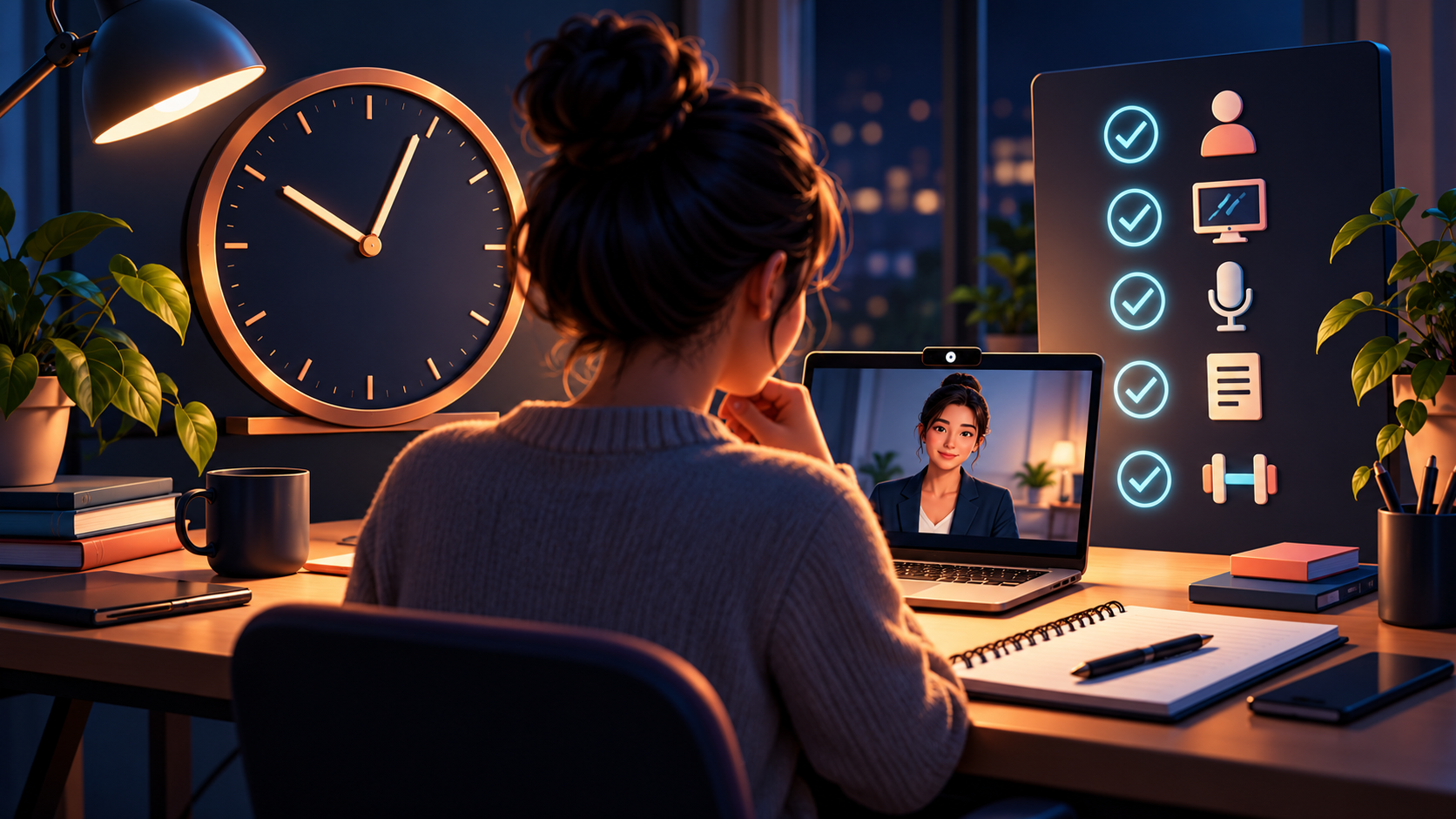
Run through this checklist before you record:
- Camera is at eye level and in focus
- Lighting is on your face, not behind you
- Background is tidy and neutral
- Microphone test completed
- Browser is up to date and supported
- You know how many questions to expect and what the time limits are
- You have bullet notes for each likely question theme
- You know whether retakes are allowed
Do one final practice run, not to rehearse new material, but to warm up and settle your nerves. Then stop. Over-rehearsing in the final hour tends to make answers sound mechanical rather than genuine.
Get enough sleep. Fatigue shows on camera in ways that are hard to mask.
The Hour Before You Record
Log in early. Most platforms let you access a test question or technical check before the real recording begins. Use it. Confirm your camera and microphone are working, check your framing one more time, and get comfortable with the interface.
When the questions begin, read or listen to each one fully before you start formulating your answer. Use the preparation window to recall your bullet points, not to write new ones. Speak to the camera as though you are talking to a person sitting across from you, not performing for a recording.
If you stumble on a word or lose your train of thought briefly, keep going. A small recovery mid-answer reads far better than a stilted, over-polished delivery.
FAQs
What is a one-way video interview? A one-way video interview is a pre-recorded format where you answer pre-set questions within a fixed time limit. There is no live interviewer. Your responses are reviewed asynchronously by a recruiter or scored by an AI system. Platforms commonly used for this format include HireVue, Spark Hire, Talview, and VidCruiter.
How long does a one-way video interview take? Most one-way video interviews take between 15 and 45 minutes to complete, depending on the number of questions and the time limits set per question. Some platforms also include game-based assessments as a separate component, which adds time.
Can I redo my answers in a one-way video interview? It depends on the platform and the employer's settings. Some platforms allow one or two retakes per question; others do not. Check the instructions in your invitation email before you start so you know what to expect before you record your first answer.
Does it matter which device I use? A laptop or desktop gives you the most control over framing, stability, and audio quality. Most platforms also support mobile recording, though the experience can vary. If you are using HireVue specifically, there are practical considerations around recording on a phone that are worth checking before you start.
How should I structure my answers? For behavioral questions, the STAR method (Situation, Task, Action, Result) is the most reliable structure. Keep each section brief and aim for answers that run between 90 seconds and 2 minutes for a standard 3-minute question window. For motivational questions, connect your interest to something specific and genuine about the role or company.
What does an AI system look for in a one-way video interview? AI scoring systems used by platforms like HireVue typically analyze language patterns, response structure, and in some cases facial expressions or vocal tone. Preparing structured, specific answers and speaking clearly and consistently gives you the best foundation, though the exact criteria vary by employer and platform configuration.
How can I practice a one-way video interview before the real thing? Recording yourself and watching it back is the most direct method. For structured, platform-specific practice with AI-powered feedback, Candidate Falcon offers dedicated preparation modules for HireVue, Spark Hire, Talview, and VidCruiter, including unlimited practice recordings and question libraries tailored to each platform.
Start Preparing Now
Twenty-four hours is a tight window, but it is enough if you use it deliberately. Set up your environment early, prepare structured bullet notes rather than scripts, record practice runs and watch them back, and run your final checks the hour before you go live.
If you want to practice in a format that mirrors the real thing, Candidate Falcon is built specifically for this. Platform-specific preparation for HireVue, Spark Hire, Talview, and VidCruiter, AI feedback on your recordings, and unlimited practice runs so you can go into your actual interview having already done this before.