HireVue vs VidCruiter: Candidate Interviews, Retakes and AI Review
Candidate Falcon
Editorial Team

HireVue and VidCruiter both offer recorded and live video interviews, and both can support AI-assisted review. The meaningful comparison for a candidate is the workflow your employer selected: how you answer, which limits apply, and whether there are additional assessments or monitoring requirements.
Do not assume HireVue always scores your video with AI or that VidCruiter always uses human-only review. Neither claim is supported by the providers' current documentation.
HireVue vs VidCruiter at a Glance
| Candidate question | HireVue | VidCruiter |
|---|---|---|
| Recorded format | OnDemand answers to preset questions | Pre-recorded answers to written or video questions |
| Live format | Scheduled real-time interviews | Scheduled real-time interviews, including panels |
| Preparation and response limits | Use the limits displayed for your interview | Employer can set prep time and response duration per question |
| Answer attempts | Hiring company sets the number of attempts | Employer configures re-record options per question |
| AI scoring | Some assessments use AI; not every interview has an assessment | Optional AI Candidate Screening scores transcripts against client-approved rubrics |
| Other AI assistance | Interview summaries and searchable transcripts are available | Optional transcripts, summaries, highlights and fraud detection are available |
| Additional stages | Games, coding, language tasks or job simulations may be selected | Skills testing, integrations or proctoring may be part of the employer workflow |
An available product feature is not evidence it is enabled in your interview. Read the invitation and disclosure screens; ask the recruiter about missing review or assessment details.
What Candidates Do on HireVue
Recorded Interviews
HireVue's OnDemand walkthrough starts with interview details, terms and conditions, an equipment test and practice questions when recorded video responses are required. It describes preparation time followed by a response countdown. You can finish an answer early; when response time expires, the recording automatically submits.
The hiring company sets the available answer attempts, which are shown during setup. There is no reliable universal number of takes or standard timer across all employers.
HireVue's separate restart guidance is important: once a response is submitted, you cannot go back to that question. Restarting an in-progress interview or taking a completed interview again requires the hiring company's approval. HireVue support cannot grant that permission.
Live Interviews and Other Assessments
HireVue also supports live interviews. A scheduled conversation needs listening, clarification and follow-up practice, rather than only timed monologues.
The employer may select a separate assessment: games, coding, language tasks or Virtual Job Tryout simulations. Games can measure cognitive abilities such as attention, memory and problem-solving, but they are not an automatic part of every HireVue invitation. Prepare for the named task rather than guessing a game list from the platform logo.
Review and AI
HireVue says not all interviews have an assessment added. Its assessment documentation describes AI or traditional scoring depending on the assessment, and its video product includes AI summaries and transcripts. Those administrative review features are distinct from scoring your suitability for the job. HireVue says humans make final hiring decisions.
Its candidate FAQ says video-based assessments consider the whole context of an answer rather than isolated keywords. Practise explaining your actions and results clearly, not inserting a supposed secret vocabulary.
What Candidates Do on VidCruiter
Pre-Recorded Interviews
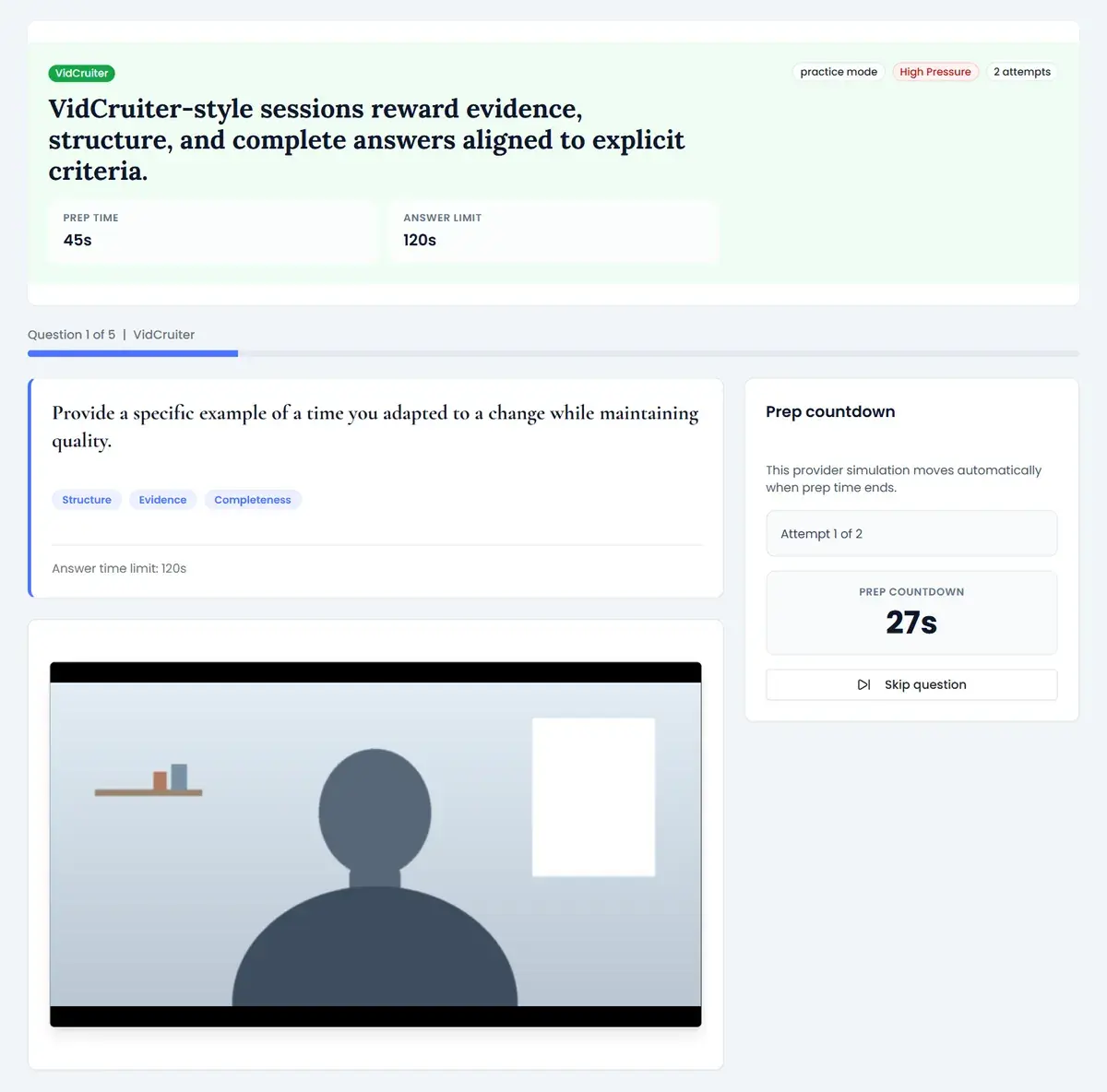
VidCruiter describes preset questions presented as text or recorded video. The employer can configure preparation time, response duration and re-record options for each question. That means settings can differ even within one interview. Check the instructions for the question in front of you.
Its current video overview says candidates can record in a browser without an app download or account creation. Use the invitation's access instructions and test your actual camera, microphone and connection before answering. Choose a supported device you can use comfortably, not a device another candidate happened to use.
Live, Structured and Assessment Workflows
Live VidCruiter interviews take place in real time and can involve one interviewer or a panel. Structured interviewing means questions and evaluation criteria are standardized; it is not necessarily an extra test that you must complete. A rating rubric is generally part of the employer's evaluation process, not a separate candidate answer format.
VidCruiter also lists skills testing and video proctoring within its platform. These are separate capabilities, not requirements for every pre-recorded interview. If your invitation includes a test or monitoring, read its permitted-resource and setup rules before starting.
Optional AI Candidate Screening
VidCruiter's current AI Candidate Screening documentation explicitly describes optional AI scoring. If enabled, the tool evaluates transcribed pre-recorded answers against a client-approved rubric, produces a score on a 1-5 scale and attaches a written rationale. Hiring managers can review, adjust or override the result.
VidCruiter says this scoring tool evaluates what you said, not facial expressions, vocal tone or speech patterns. That statement concerns the screening score; it does not mean a human watching the recording cannot hear your delivery, or that a separate fraud/identity feature never processes visual information.
The company's AI statement, last updated in March 2025, describes client-approved AI assistance and human decisions. Its newer product pages explicitly document rubric-based scoring. Human involvement and algorithmic scoring can coexist, so it is inaccurate to promise that no scoring layer exists between your recording and a recruiter.
How to Prepare Without Guessing the Settings
- Identify the format. Is this a recording before a deadline, a live appointment, or a test? Check the date, time zone and any separate assessment links.
- Read the attempt rules. Distinguish another recording within the allowed takes from restarting a submitted interview. Do not count on the latter without permission.
- Test your equipment. Record a sample and listen back. Check browser permissions, lighting and connection on the device you will actually use.
- Build job-relevant examples. For behavioral questions, explain the situation and task briefly, describe your own actions and give a concrete result. Match practice to the displayed response limit.
- Practise live follow-ups. Ask a rehearsal partner to probe your example. Prepare questions for the employer instead of treating a live call as a one-way recording.
- Handle assessment needs early. Follow the named test's instructions, clarify permitted resources and request accommodations from the recruiter before starting.
If a technical failure occurs, note the time and error, use provider support for the platform issue, and contact the employer about a new attempt or deadline extension. A failed connection does not itself authorize a retake.
Candidate Falcon is a separate practice service. Recorded-answer rehearsal can help you improve structure and pacing; it does not provide the employer's actual questions, scoring rubric or hiring decision.
Frequently Asked Questions
Is HireVue harder than VidCruiter? There is no universal ranking. Difficulty depends on the role, question settings and any additional assessment. A HireVue invitation without games is not equivalent to one that includes them, and VidCruiter workflows can include more than video answers.
Can I retake questions on HireVue or VidCruiter? Answer attempts depend on employer configuration. HireVue's guidance says submitted responses cannot be revisited, and a whole-interview restart requires employer approval. VidCruiter lets employers configure re-record options per question; check the actual instructions rather than assuming unlimited retries.
Does HireVue use AI to score every video response? No. Some assessments use AI, but HireVue says not every interview includes an assessment. Its AI summaries and transcripts are also distinct from assessment scores. The employer can clarify which workflow applies.
Does VidCruiter use AI to score video interviews? It can. Optional AI Candidate Screening scores transcribed answers against client-approved rubrics and provides rationales for human review. VidCruiter also offers other optional AI tools; their availability does not establish that your employer enabled them.
Are live interviews the same as recorded interviews? No. Live interviews are real-time conversations and may also be recorded. Pre-recorded interviews are answers submitted for later review. Check the recording notice for either format.
Sources and Scope
Reviewed and updated 8 October 2026 against official documentation:
- HireVue candidate FAQ: assessments are not added to every interview; answer context matters.
- HireVue OnDemand walkthrough and restart guidance: displayed attempts, countdowns, practice and employer-approved restarts.
- HireVue video interviewing and assessments: live/OnDemand options and multiple assessment/scoring methods.
- VidCruiter video interviewing overview: per-question configuration, live interviews, optional AI and separate platform capabilities.
- VidCruiter AI Candidate Screening: optional transcript-based rubric scoring and human oversight.
- VidCruiter AI statement: client approval of AI features and employer responsibility for decisions.
Provider documentation describes available capabilities, not your employer's enabled settings or selection criteria.